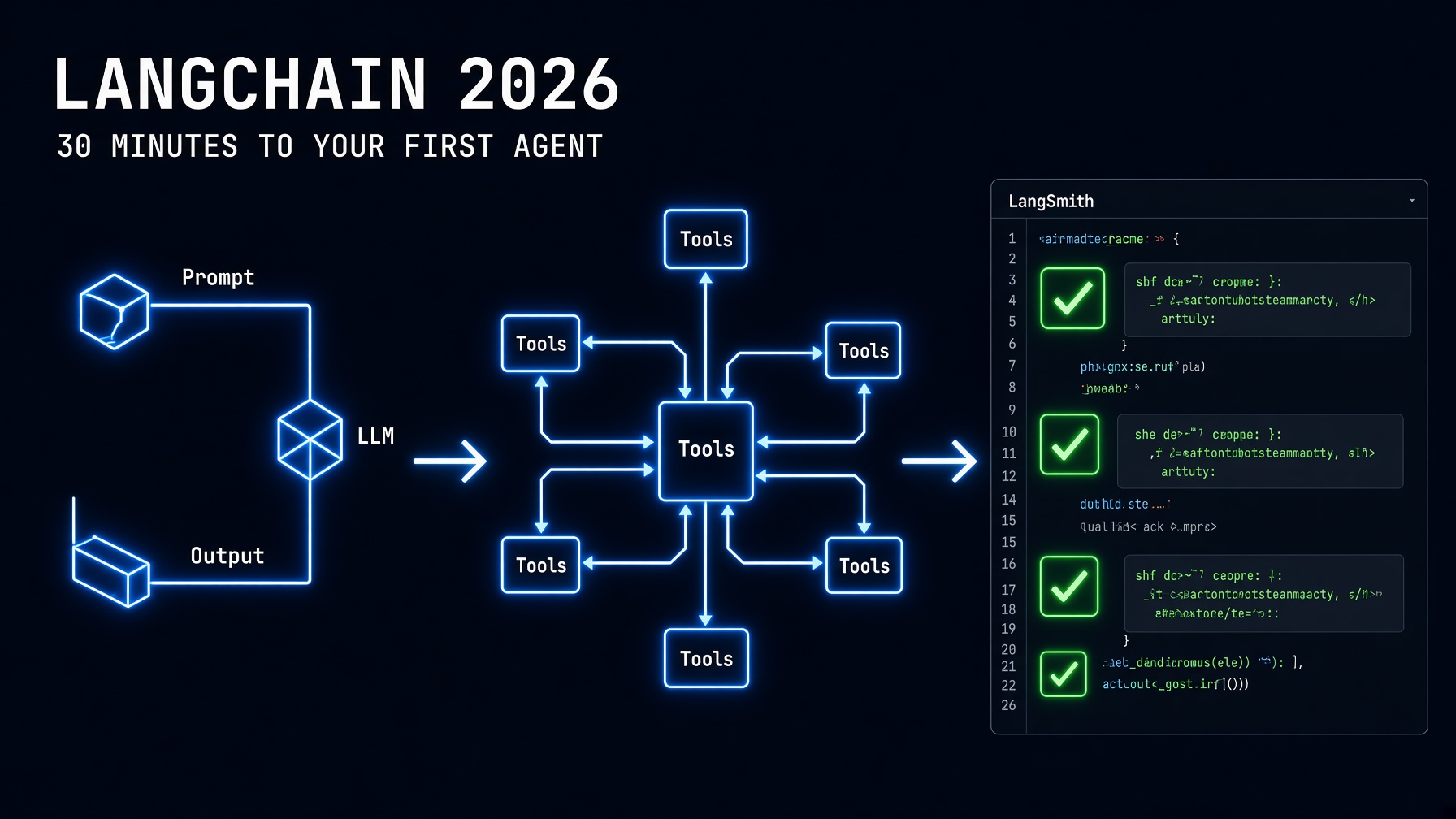
LangChain in 2026 is the fastest path from “I want to build an AI agent” to a working production system — and this tutorial gets you there in 30 minutes with Python and Claude Sonnet 5.
If the How to Build an AI Agent With Python guide showed you how the loop works at the raw SDK level, this LangChain tutorial shows you how to build the same loop faster. LangChain is now a high-level orchestration layer built on top of LangGraph — it handles the tool-calling scaffolding, message history management, and provider switching so you focus on what your agent does rather than how the protocol works. You’ll build a real, multi-tool research agent: a model that can search, read, and save — and you’ll understand every line.
Setup: Install LangChain in 2 Minutes
pip install langchain langchain-anthropic langchain-community python-dotenv# .env
ANTHROPIC_API_KEY=sk-ant-your-key-hereThe langchain-anthropic package is the official Claude integration for LangChain. It wraps the Anthropic SDK and exposes Claude models through LangChain’s standard BaseChatModel interface — which means you can swap Claude for GPT-5.6 or Gemini later with a one-line change.
Part 1: Your First LangChain Chain (LCEL)
Before agents, understand chains. A LangChain chain is a sequence of steps connected with the pipe operator (|). This is LCEL — LangChain Expression Language — and it replaced the older LLMChain class in 2024. Everything in modern LangChain uses LCEL.
import os
from dotenv import load_dotenv
from langchain_anthropic import ChatAnthropic
from langchain_core.prompts import ChatPromptTemplate
from langchain_core.output_parsers import StrOutputParser

load_dotenv()

# Initialize Claude Sonnet 5
llm = ChatAnthropic(
    model="claude-sonnet-5",
    api_key=os.environ.get("ANTHROPIC_API_KEY")
)

# Build a chain: prompt | model | output parser
prompt = ChatPromptTemplate.from_messages([
    ("system", "You are a technical writer. Be concise and precise."),
    ("human", "{topic}")
])

# The pipe operator | connects each component
chain = prompt | llm | StrOutputParser()

# Invoke the chain
result = chain.invoke({"topic": "Explain LangChain in one paragraph."})
print(result)
That’s the complete minimal LangChain chain: prompt template, Claude model, and a string output parser. The | operator passes the output of each component as the input to the next — the same Unix pipe pattern builders already know.
Streaming with LCEL
# Streaming: print tokens as they arrive
for chunk in chain.stream({"topic": "What makes LangGraph different from LangChain?"}):
    print(chunk, end="", flush=True)
print()
LCEL chains support streaming by default — replace .invoke() with .stream() and you get token-by-token output with no additional configuration.
Part 2: Building a LangChain Agent With Tools
An agent extends the chain pattern by adding tools and a reasoning loop. The agent decides which tool to call, receives the result, and decides what to do next — exactly like the raw Python agent loop, but with LangChain handling the scaffolding.
import os
import requests
from datetime import datetime
from dotenv import load_dotenv

from langchain_anthropic import ChatAnthropic
from langchain_core.tools import tool
from langchain.agents import create_tool_calling_agent, AgentExecutor
from langchain_core.prompts import ChatPromptTemplate

load_dotenv()

llm = ChatAnthropic(
    model="claude-sonnet-5",
    api_key=os.environ.get("ANTHROPIC_API_KEY")
)


# Define tools using the @tool decorator
@tool
def get_current_time() -> str:
    """Get the current date and time. Use when the user asks about time."""
    return datetime.now().strftime("%Y-%m-%d %H:%M:%S")


@tool
def fetch_url(url: str) -> str:
    """
    Fetch the text content of a webpage.
    Use when the user wants to read a URL.

    Args:
        url: The full URL to fetch, including https://
    """
    try:
        response = requests.get(url, timeout=10,
                                headers={"User-Agent": "Mozilla/5.0"})
        return response.text[:3000]
    except Exception as e:
        return f"Failed to fetch {url}: {e}"


@tool
def save_note(filename: str, content: str) -> str:
    """
    Save text to a file. Use when the user wants to save results.

    Args:
        filename: The filename, e.g. 'research.txt'
        content: The text to save
    """
    with open(filename, "w") as f:
        f.write(content)
    return f"Saved to {filename}"


# Register the tools
tools = [get_current_time, fetch_url, save_note]

# Build the agent prompt
# agent_scratchpad is required — LangChain uses it to track reasoning steps
prompt = ChatPromptTemplate.from_messages([
    ("system", "You are a helpful research assistant. Use tools when they help."),
    ("human", "{input}"),
    ("placeholder", "{agent_scratchpad}")
])

# Create the agent and executor
agent = create_tool_calling_agent(llm, tools, prompt)
agent_executor = AgentExecutor(
    agent=agent,
    tools=tools,
    verbose=True,          # prints tool calls during execution
    max_iterations=10,     # safety limit on reasoning steps
    handle_parsing_errors=True
)

# Run the agent
result = agent_executor.invoke({
    "input": "What time is it right now? Then fetch https://httpbin.org/get "
             "and save a one-sentence summary to research_summary.txt"
})

print("\n--- Final Answer ---")
print(result["output"])
The @tool decorator is the cleanest way to define LangChain tools in 2026 — the docstring becomes the tool description that the model reads to decide when to use the tool. Write clear, specific docstrings. Ambiguous descriptions produce unpredictable tool selection.
Part 3: Adding Memory to Your LangChain Agent
By default, each agent_executor.invoke() call starts fresh. To maintain conversation history across calls, use RunnableWithMessageHistory and a message store.
from langchain_core.chat_history import BaseChatMessageHistory
from langchain_core.messages import BaseMessage
from langchain_core.runnables.history import RunnableWithMessageHistory
from pydantic import BaseModel, Field


# Simple in-memory store (replace with Redis or PostgreSQL for production)
class InMemoryHistory(BaseChatMessageHistory, BaseModel):
    messages: list[BaseMessage] = Field(default_factory=list)

    def add_messages(self, messages: list[BaseMessage]) -> None:
        self.messages.extend(messages)

    def clear(self) -> None:
        self.messages = []


# Store sessions by session_id
session_store: dict[str, InMemoryHistory] = {}

def get_session_history(session_id: str) -> BaseChatMessageHistory:
    if session_id not in session_store:
        session_store[session_id] = InMemoryHistory()
    return session_store[session_id]


# Wrap the agent executor with message history
agent_with_memory = RunnableWithMessageHistory(
    agent_executor,
    get_session_history,
    input_messages_key="input",
    history_messages_key="chat_history"
)

# All calls with the same session_id share memory
config = {"configurable": {"session_id": "user-123"}}

response_1 = agent_with_memory.invoke(
    {"input": "My name is Alex. What time is it?"},
    config=config
)
print(response_1["output"])

response_2 = agent_with_memory.invoke(
    {"input": "What's my name again?"},  # agent remembers "Alex"
    config=config
)
print(response_2["output"])
Part 4: LangChain vs Raw SDK — When to Use Each
LangChain is a high-level tool built on LangGraph, suitable for beginners and those who need a simple agent build. LangGraph is the low-level framework for advanced orchestration and runtime customization. The choice between LangChain and the raw Anthropic SDK comes down to three factors:
| Factor | Use LangChain | Use Raw SDK |
|---|---|---|
| Speed to prototype | 3–5x faster with decorators and LCEL | Slower, more boilerplate |
| Provider flexibility | Swap Claude → GPT-5.6 → Gemini in one line | Rewrite tool-calling per provider |
| Observability | LangSmith tracing built-in | Must build your own |
| Control | Framework makes some decisions for you | Complete control over every detail |
| Production scaling | Good — LangGraph for stateful, complex flows | Best — no framework overhead |
The practical decision: start with LangChain for speed. Reach for the raw SDK or LangGraph when you need precise control over state, need to minimize token overhead, or when the framework’s assumptions don’t match your use case. The LangGraph vs CrewAI post covers the next level of decision-making once you’ve outgrown basic LangChain chains.
Part 5: Production Checklist for LangChain Agents
# Production LangChain agent — key additions

# 1. Cost tracking: log tokens on every call
from langchain.callbacks import get_openai_callback  # works with Anthropic too
# Or access usage directly:
response = llm.invoke("Your prompt")
print(f"Input tokens: {response.usage_metadata['input_tokens']}")
print(f"Output tokens: {response.usage_metadata['output_tokens']}")

# 2. Error handling on tool calls
@tool
def safe_fetch(url: str) -> str:
    """Fetch a URL safely. Returns error message on failure rather than raising."""
    try:
        r = requests.get(url, timeout=10)
        r.raise_for_status()
        return r.text[:2000]
    except requests.RequestException as e:
        return f"[Tool error: {e}]"  # never raise — let the agent handle it

# 3. Max iterations guard (already shown above: max_iterations=10)

# 4. LangSmith tracing (set these env vars for automatic tracing)
# LANGCHAIN_TRACING_V2=true
# LANGCHAIN_API_KEY=your-langsmith-key
# LANGCHAIN_PROJECT=my-agent-project
# Every agent call then appears in app.smith.langchain.com automatically

# 5. Fallback chain (if Claude is unavailable, try GPT-5.6)
from langchain_openai import ChatOpenAI
from langchain_core.runnables import with_fallbacks

primary_llm = ChatAnthropic(model="claude-sonnet-5")
fallback_llm = ChatOpenAI(model="gpt-5.6-terra")

llm_with_fallback = primary_llm.with_fallbacks([fallback_llm])
The fallback chain in Step 5 is the LangChain-native implementation of the Model Fallback Routing pattern this series has maintained since June. with_fallbacks() automatically tries the next provider if the primary raises an exception — which means rate limit errors, API outages, and model-specific 400 errors all trigger the fallback silently.
For the complete LangChain documentation and LCEL reference, see LangChain’s official Python documentation.
The Builder’s Takeaway
LangChain in 2026 is the fastest path from a working idea to a deployed agent — LCEL chains in ten lines, tool-calling agents in fifty, memory across sessions in twenty more. The @tool decorator and the pipe operator remove the boilerplate that makes raw SDK agent loops verbose without removing the transparency that makes them debuggable. Start with the chain in Part 1, add tools in Part 2, add memory in Part 3, and apply the production checklist in Part 5 before anything reaches real users. The comparison table in Part 4 tells you when LangChain is the right choice and when to reach for LangGraph or the raw SDK instead — knowing that boundary in advance saves the rewrite that most teams do six months in.
Continue in This Series
- How to Build an AI Agent With Python — the raw SDK version: same loop, no framework, maximum control
- LangGraph vs CrewAI — when you’re ready to move from LangChain to lower-level graph orchestration
- Claude API Python Tutorial — the foundational API calls LangChain wraps under the hood
- Model Fallback Routing — the multi-provider fallback strategy LangChain’s
with_fallbacks()implements at the framework level - How to Deploy AI Agents — the production checklist after your LangChain agent is working
This post is part of The Agentic Protocol’s Work series — the connective infrastructure layer beneath every autonomous pipeline. See also: LangGraph vs CrewAI.