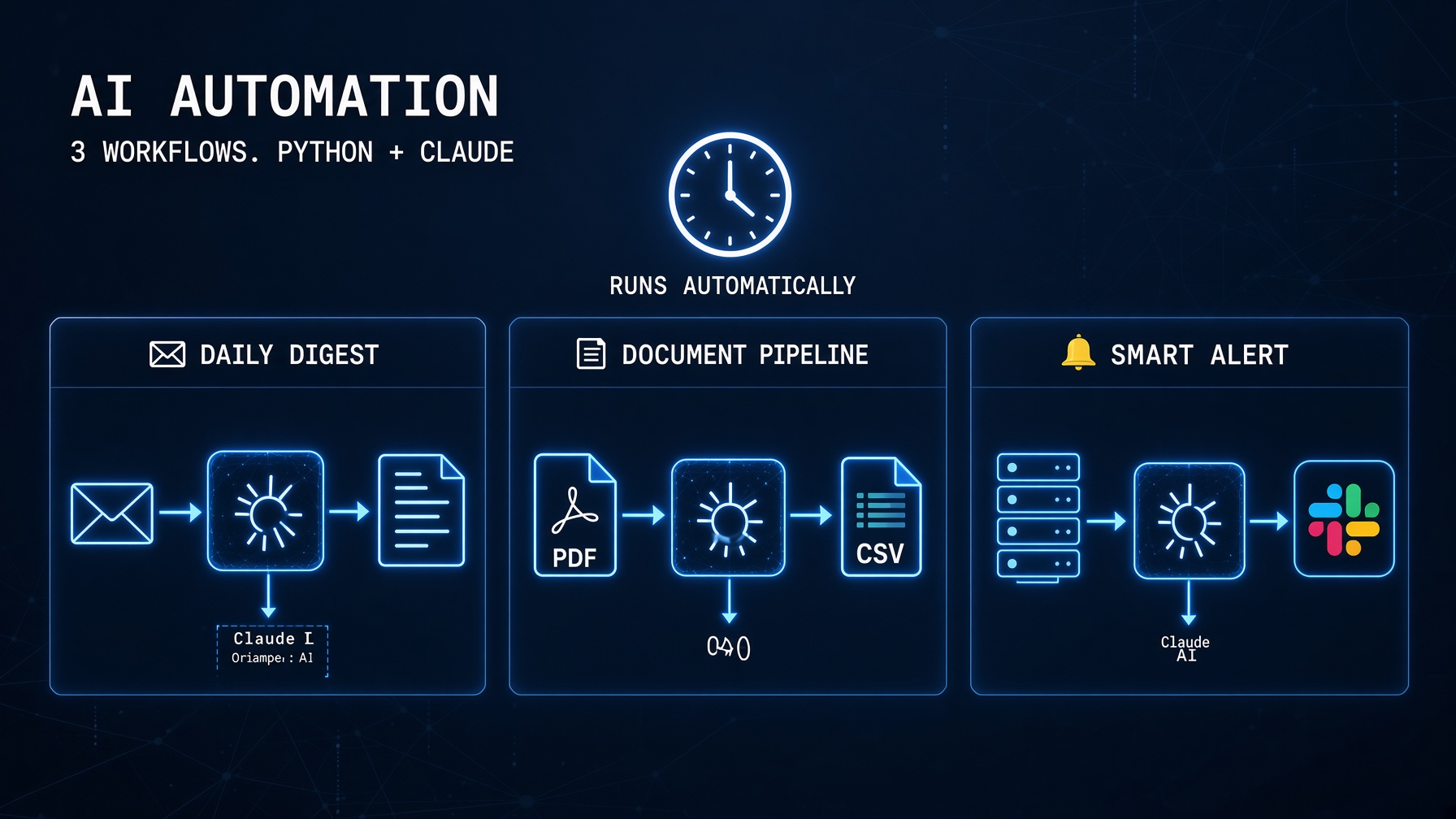
Python AI automation in 2026 means two things simultaneously: Python handles the scheduling, data fetching, and system integration — and Claude handles the intelligence that turns raw data into usable output. The combination produces automation workflows that would have required a human analyst in 2023 and a team of ML engineers in 2020.
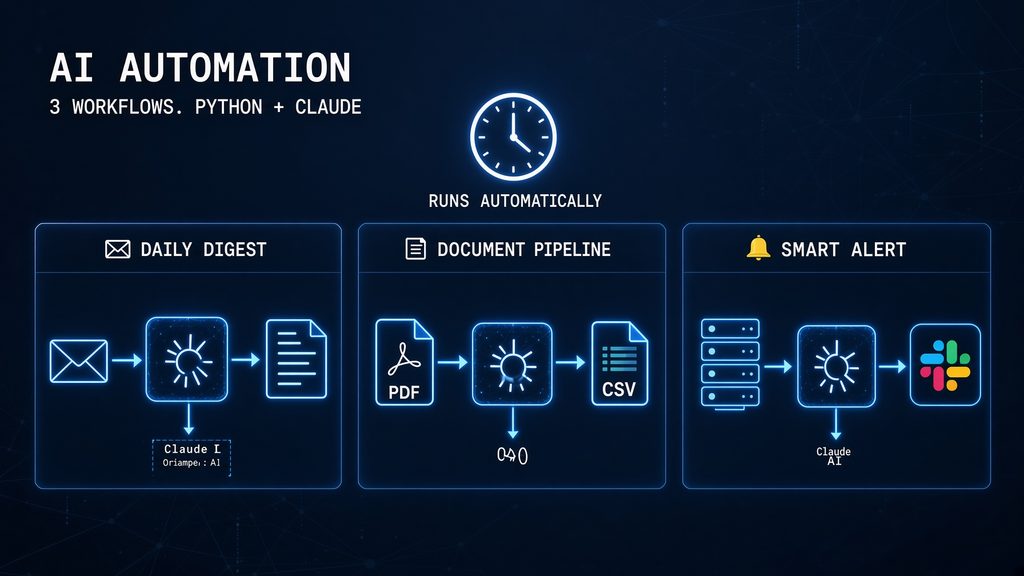
This guide builds three complete Python AI automation workflows from scratch — not pseudocode, not architecture diagrams, but actual scripts you can run. Each uses the Claude API patterns from the Claude API Python Tutorial and the production patterns from the deployment checklist. Workflow 1 automates a daily email digest. Workflow 2 processes documents into structured data. Workflow 3 monitors logs and alerts on anomalies. All three include scheduling, error handling, and cost tracking.
Setup: Install the Automation Stack
pip install anthropic apscheduler python-dotenv \
            requests pypdf pandas smtplib
# .env
ANTHROPIC_API_KEY=sk-ant-your-key-here
EMAIL_FROM=your-email@gmail.com
EMAIL_PASSWORD=your-app-password # Gmail App Password, not your main password
EMAIL_TO=recipient@example.com
SLACK_WEBHOOK_URL=https://hooks.slack.com/services/your-webhookAPScheduler handles scheduling — it runs your automations on cron expressions, intervals, or one-off triggers, inside your existing Python process without requiring a separate Celery/Redis stack for simple use cases. For production at scale, replace APScheduler with Celery or a cloud scheduler (AWS EventBridge, GCP Cloud Scheduler).